
LogicApps : Vladimir’ questions might be your questions
Last week I was scrolling through the LinkedIn world when this intriguing infoq article popped up.
While going through the comments section, I stumbled upon some interesting questions. As I began responding, I quickly realized that a more comprehensive answer was needed. Hence, I decided to craft this post to delve deeper into the topic and provide a more detailed explanation.
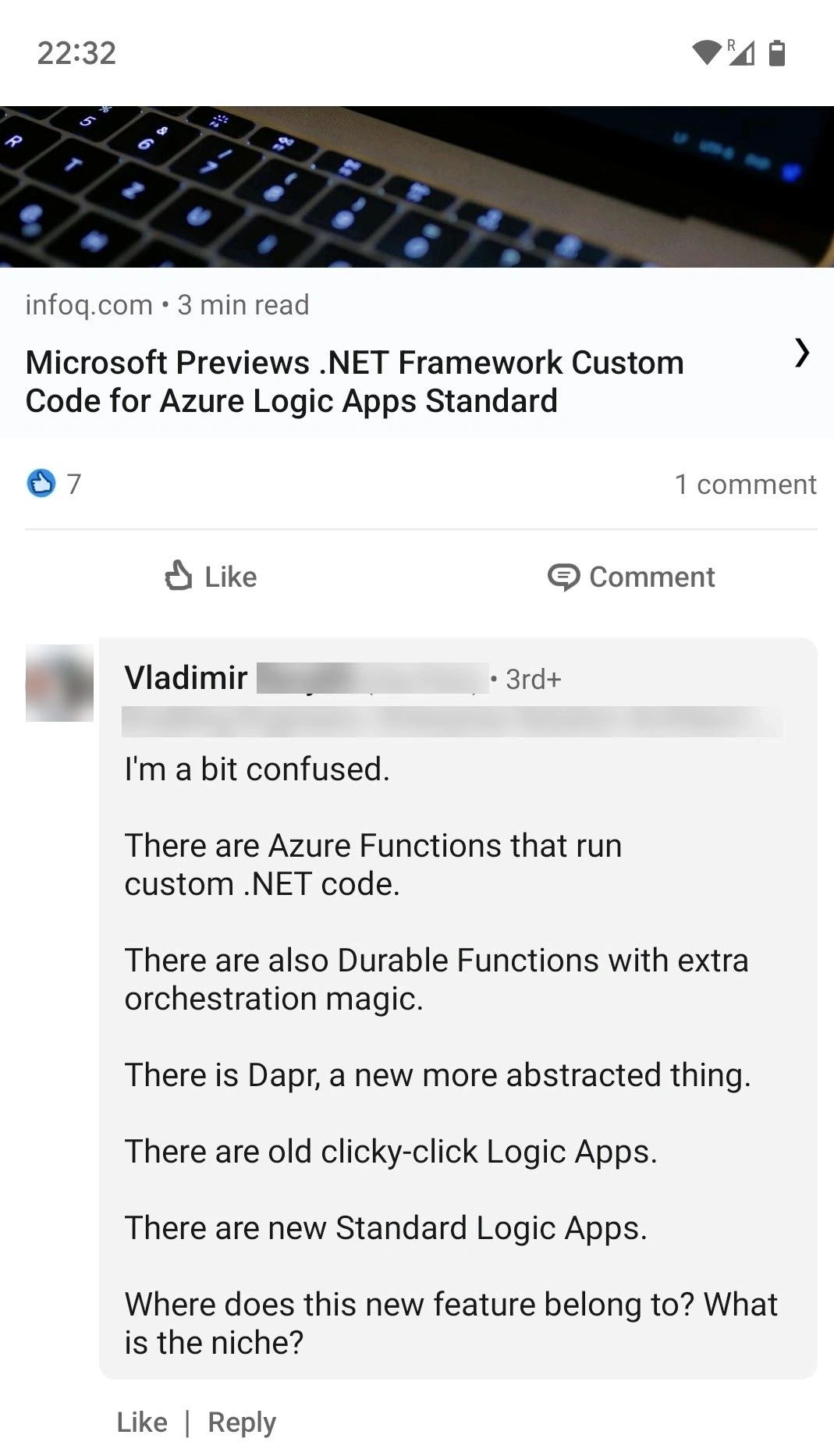
There are functions that run custom .NET code.
Azure functions is the most used way to extend your LogicApps workflow, that’s the preferred way to delegate tasks like message transformation, enrichments, etc..
In general when the complexity arises that complexity is delegated to functions to keep the workflow maintainable and testable.Functions can be written in different languages like C#, Java, Python and more.
Azure functions can run serverless, on an appservice plan and as a container.
There are also durable functions with extra orchestration magic.
When it’s a matter of deciding when to use what, there is a commonly agreed-upon understanding that visual workflows like Logic Apps are a better fit for enterprise integration scenarios while workflow as a code solutions like durable functions (or DAPR workflows) seem more appropriate to orchestrate activities that are scoped to a single application (for example orchestrate the communication between microservices).
There is DAPR, a new more abstracted thing.
DAPR is a cloud native framework that can be used for different use cases. In the context of enterprise integration you can compare some of the DAPR building blocks (pubsub, state management, input/output bindings) to LogicApp connectors, an off-the-shelf way to easily connect to servicebus, to databsases, and more.
As today, DAPR it is something not really usable in combination with LogicApps because the containarized story of LogicApps is not mature enough (not production ready IMHO).
There are old clicky-click LogicApps.
This is mainly the consumption offering of LogicApps where, instead of paying for predefined capacity, you are billed only for the resources consumed during the execution of your Logic Apps workflows. The pricing considers both the triggers and actions used within your Logic Apps workflows. The consumption model 100% serverless allows dynamic scaling and cost optimization based on your specific workload requirements.
There are new Standard LogicApps.
Logic Apps Standard offers a predictable pricing structure based on a fixed hosting plan, providing greater control and flexibility in optimizing performance. It enables seamless integration of workflows with Virtual Networks (VNET) and Private Endpoints, enhancing security and connectivity. The recent re-platforming of the Logic Apps runtime on the Azure Functions runtime introduces containerization, ensuring improved portability and facilitating efficient deployment across environments.
Furthermore Logic Apps Standard empowers you to leverage a wide range of connectivity options. You can utilize both the managed connectors provided by Azure, as well the built-in connectors or create your own custom connectors. This flexibility enables you to cover a multitude of integration scenarios and expanding the capabilities and reach of your Logic Apps workflows.
The standard offering of Logic Apps is receiving significant investment from Microsoft, aiming to enhance its capabilities and address limitations. While it offers a robust feature set, it’s important to note some limitations that exist. For instance, there are a limited amount of built-in connectors and some challenges could arise when dealing with workflow density (resource optimization) vs unit of scale.
Where does this new feature belong to?
This is a LogicApps standard only feature aimed at making the transition from BizTalk to Logic Apps Standard easier. As today this feature support only the .NET framework 4.7.2 therefore can only be run on Windows-based environments.
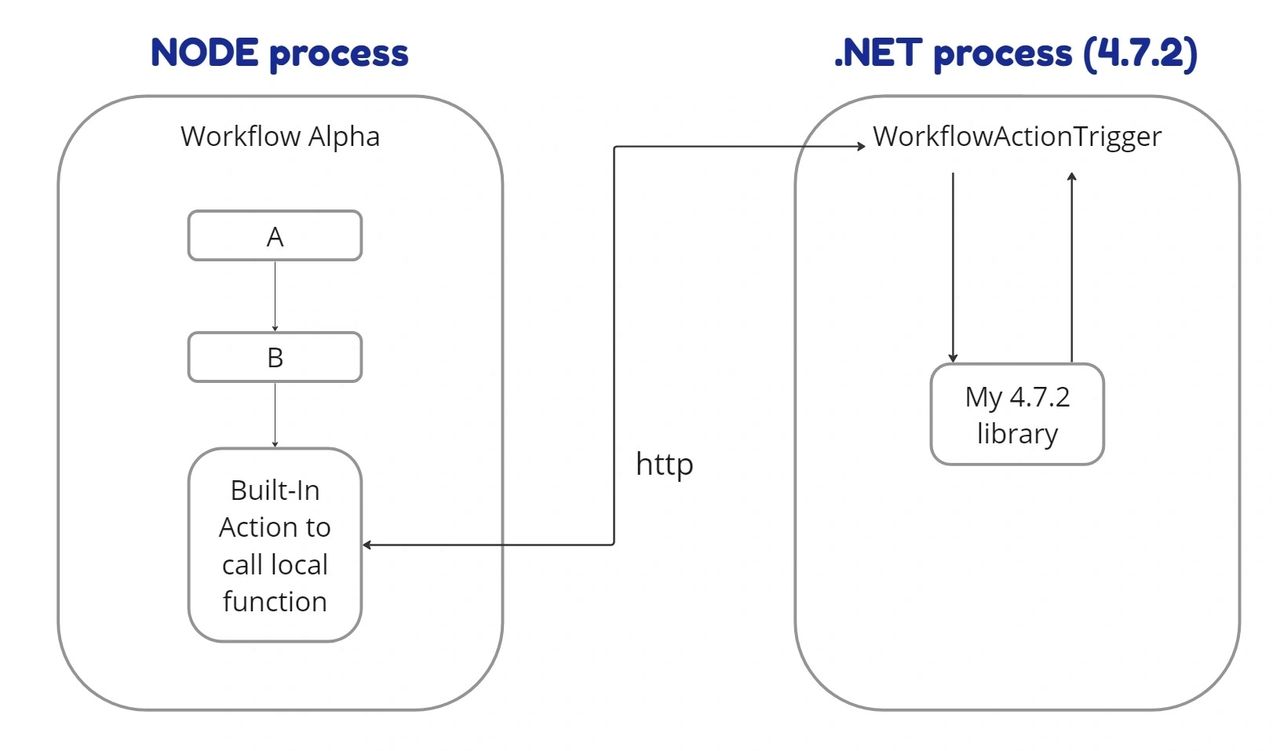
The Logic App workflows cannot directly call your custom code therefore you first need do implement a wrapper with a specific interface as described here and then use a specific built-in action to call the wrapper.
I suppose the execution model is similar to the following.
I hope this post sheds some light on your questions and provides the clarity you were seeking. Happy integration everyone!
Photo by Zach Lucero on Unsplash